
Ghibli-Style AI Artwork: How to Create Your Own Magical Masterpieces with ChatGPT
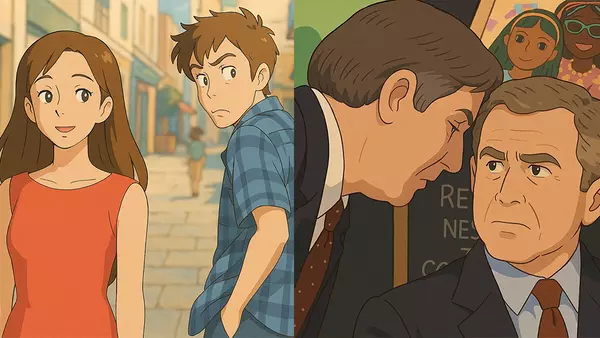
Suddenly, it was everywhere. One day you're scrolling through Instagram Reels or X, and boom — your feed is full of whimsical, dreamy portraits that look like they came straight from a Studio Ghibli movie. But wait, they’re not hand-drawn or animated by Hayao Miyazaki himself — they’re generated by AI, using ChatGPT’s new image feature.
This viral Studio Ghibli AI art trend has exploded across social media platforms, from cozy anime-style cityscapes to magical reimaginings of everyday pets and selfies. The hashtag #GhibliAI is going viral, and influencers, artists, and everyday users are joining in. So if you’re wondering how to create your own Ghibli-style image using ChatGPT, you're in the right place.
In this guide, we’ll walk you through:
- How to generate Studio Ghibli-inspired images using ChatGPT
- Whether it’s free or paid (spoiler: there are free options!)
- What alternative tools you can use if you’re not on ChatGPT Plus
- Trending prompts and real-life examples
Let’s dive into the magical world of AI x Ghibli.
🤖 How to Create Ghibli-Style AI Art Using ChatGPT (Step-by-Step)
Step 1: Get Access to ChatGPT’s Image Feature
To create Studio Ghibli-style artwork using ChatGPT:
- Head to chat.openai.com
- Make sure you’re using ChatGPT Plus (only $20/month)
- Select GPT-4 with image generation enabled
Step 2: Upload or Describe Your Scene
You can either:
- Upload a real photo — yourself, your pet, your home
- Or type a detailed text prompt, like:
"Draw a Studio Ghibli-style image."
ChatGPT will generate a Ghibli-inspired masterpiece in seconds.
Step 4: Save and Share
Once it’s ready:
- Click Download
- Post it with trending hashtags: #ghibliAI #chatgptart #aiartcommunity
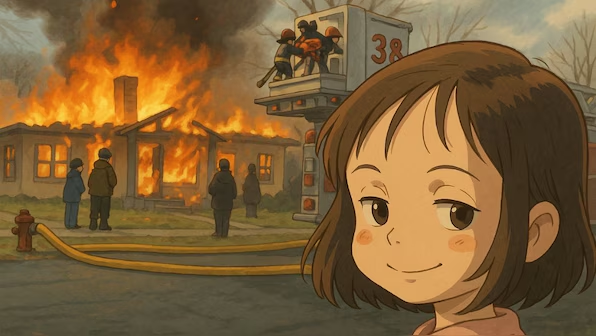
Here’s a Ghibli-style AI image for inspiration:
💸 Is Ghibli-Style Image Generation Free?
Here’s the deal:
- ChatGPT Plus (required for image generation) costs $20/month
- Free-tier users currently don’t have access to image tools
But don’t worry — there are free alternatives.
🔄 How to Create Ghibli Art for Free Using Grok AI
Grok is another AI tool making waves in the Ghibli art trend — and it's free!
Step-by-Step Guide to Using Grok:
-
Go to Grok AI Platform
Visit: Grok via TechWiser -
Upload Your Photo
Choose an image of yourself, your pet, or a landscape. -
Use a Prompt or Preset Style
Try a prompt like:Make gibhli studio version of this image" -
Generate the Image
Click generate and wait a few seconds for your AI masterpiece. -
Download and Share
Save the result and share it with #grokAI #ghibliAI
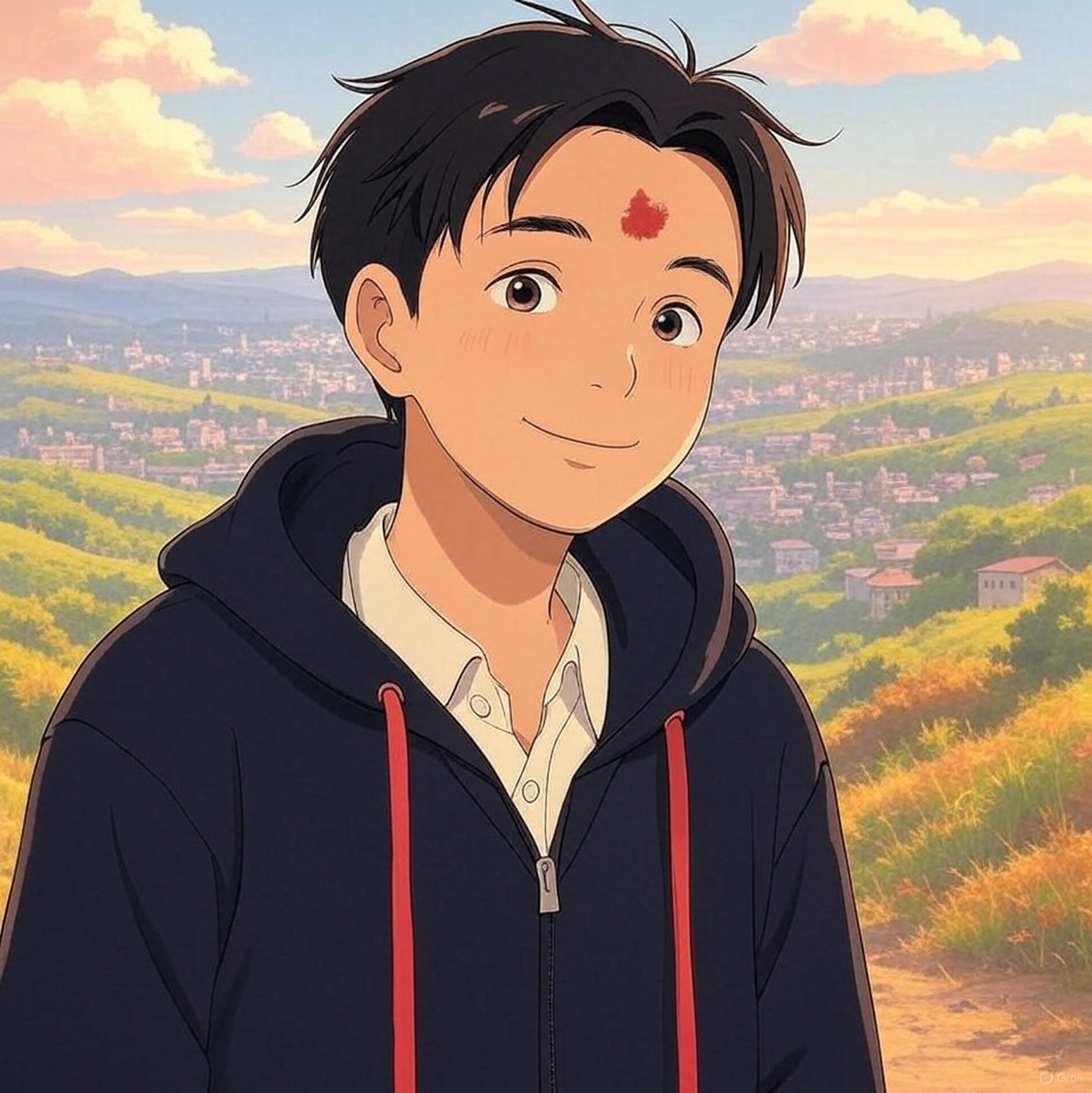
Here’s a sample image created using Grok:
📅 Top Free Tools to Make Ghibli AI Art
- Ghibli AI Generator – Try Free: Upload photos and get Ghibli-style art instantly
- Grok AI – Explore: Create stylized anime art with custom prompts
- Artbreeder / DeepAI – Check Out: Blend images and create aesthetic illustrations for free
💡 Bonus: Best Prompt Ideas for Studio Ghibli AI Art
Try these creative prompts:
- "A cozy ramen shop on a rainy night, Studio Ghibli-style"
- "A child flying on a broomstick through a glowing village"
- "A fox sitting on a torii gate under the moon, Ghibli-inspired"
🌟 Final Thoughts: Make Your Own Ghibli Moment
This isn’t just a passing trend — it’s a movement of AI-driven creativity that’s giving people the power to see themselves in the worlds they love.
Whether you use ChatGPT or one of the free Ghibli AI generators like Grok, you can create a scene that looks like it came right from Miyazaki’s sketchbook.
So go ahead. Upload a photo, write a magical prompt, and watch your Ghibli world come to life.