
Why SEO Audits Are Essential
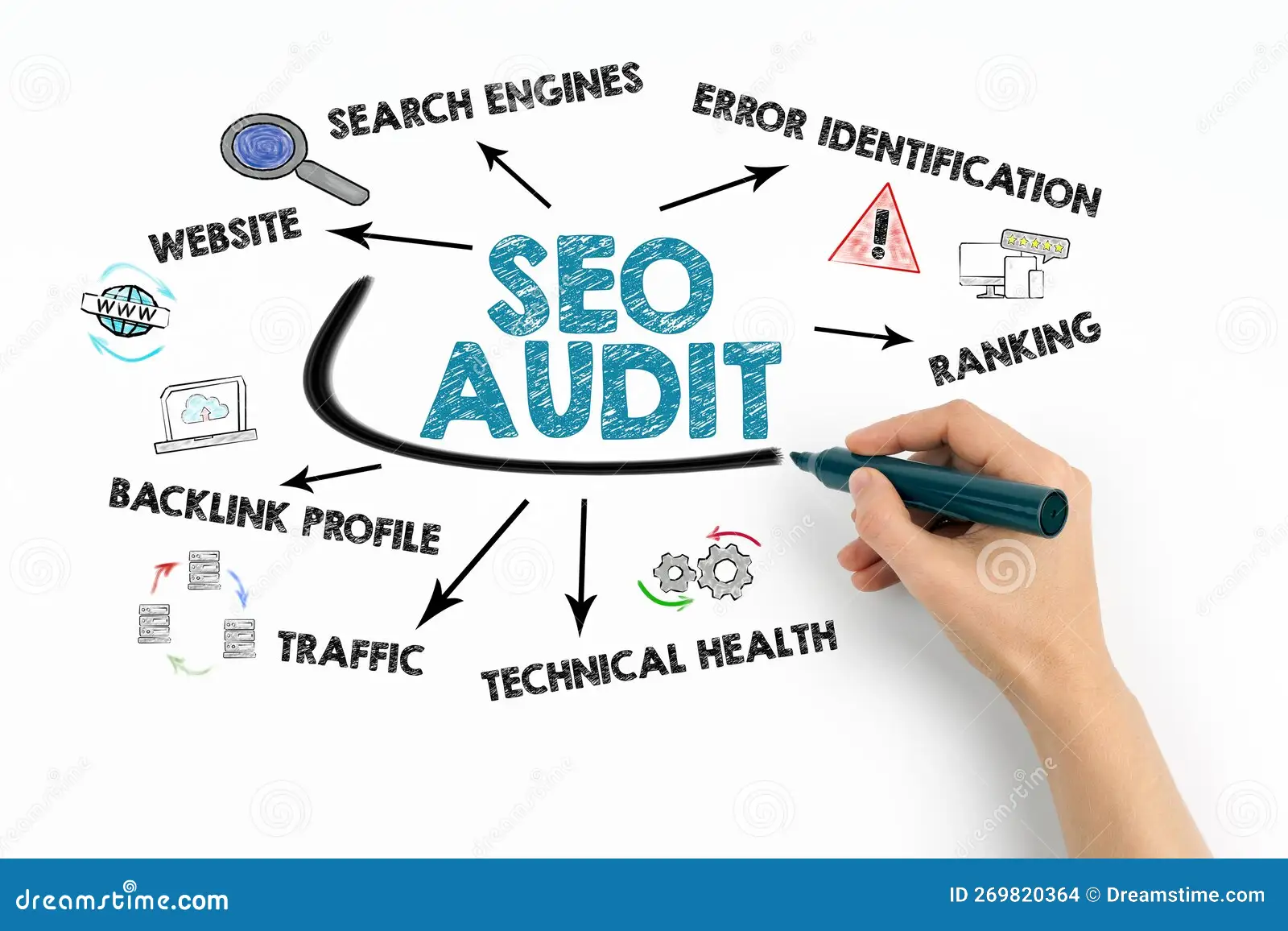
SEO audits help you analyze your website's performance, fix critical issues, and improve rankings on Google. Whether you're a business owner or an SEO professional, this guide will walk you through a detailed SEO audit checklist with tools, screenshots, and step-by-step instructions.
1. Website Speed & Performance Optimization
Why is Page Speed Important?
Google considers page speed as a ranking factor. A slow website leads to a higher bounce rate, affecting SEO rankings negatively.
How to Check Page Speed?
- Use Google PageSpeed Insights
- Use GTmetrix
- Use Lighthouse in Chrome DevTools
How to Improve Page Speed?
✔️ Optimize images (compress using TinyPNG)
✔️ Enable caching (use WP Rocket for WordPress)
✔️ Minify CSS, JavaScript, and HTML (use Autoptimize plugin)
✔️ Use a fast hosting provider (e.g., Cloudways, Kinsta)
✔️ Implement a CDN (e.g., Cloudflare, BunnyCDN)
✔️ Read our detailed guide on SEO Tips to Boost Startups' Online Presence
2. Mobile-Friendliness & Core Web Vitals
Why Mobile Optimization Matters?
Google follows mobile-first indexing, meaning it ranks sites based on their mobile version.
How to Check Mobile Usability?
- Use Google’s Mobile-Friendly Test
- Check Google Search Console > Mobile Usability Report
How to Improve Mobile Experience?
✔️ Use a responsive design
✔️ Optimize font size and tap targets
✔️ Ensure images fit the screen properly
✔️ Reduce pop-ups that block content
✔️ Learn more from How SEO Can Transform Digital Growth in Nepal
3. On-Page SEO: Content & Keyword Optimization
How to Find Keywords for Your Website?
Use these tools to research high-ranking, low-competition keywords:
- Google Keyword Planner
- Ahrefs Keyword Explorer
- SEMrush Keyword Magic Tool
- Ubersuggest
On-Page SEO Best Practices
✔️ Include primary keywords in title, URL, and H1
✔️ Use LSI (Latent Semantic Indexing) keywords naturally
✔️ Write engaging meta descriptions (120-160 characters)
✔️ Use schema markup for rich snippets (e.g., FAQs, reviews)
✔️ Optimize images with alt text and descriptive file names
✔️ Check out Grow Business Online: SEO Specialist Insights
4. Technical SEO: Indexing & Crawlability
How to Check If Your Site is Indexed?
- Google Search:
site:yourwebsite.com - Google Search Console > Coverage Report
Fixing Indexing Issues
✔️ Submit your sitemap via Google Search Console
✔️ Use robots.txt to allow/disallow crawling
✔️ Check for duplicate content (use Siteliner)
✔️ Fix broken links with Screaming Frog SEO Spider
✔️ Read more about Nepal Courier Company Google Rankings
5. Backlink Profile & Off-Page SEO
How to Analyze Your Backlinks?
- Use Ahrefs Backlink Checker
- Use SEMrush Backlink Analytics
- Check Google Search Console > Links Report
How to Build High-Quality Backlinks?
✔️ Guest posting on niche-related websites
✔️ Listing in industry-specific directories
✔️ Earning mentions from authoritative sites
✔️ Creating shareable infographics & resources
✔️ Learn about Networking Strategies for Startup Founders
6. Local SEO (For Businesses with Physical Locations)
How to Optimize for Local SEO?
✔️ Claim and optimize Google My Business (GMB)
✔️ Get customer reviews and respond to them
✔️ Ensure NAP (Name, Address, Phone Number) consistency across directories
✔️ Use local keywords like best [service] in [city]
✔️ Explore more insights from Digital Marketing Crucial for Startup Success
Final Thoughts
Regular SEO audits help improve rankings and keep your website optimized for Google's latest algorithm updates. Following advice from a skilled SEO expert in Nepal can make a big difference. Use this checklist, apply the recommendations, and track your results with tools like Google Analytics and Search Console. 🚀
Keywords Used:
SEO audit checklist, website speed optimization, mobile-friendly SEO, keyword research, technical SEO, backlink strategy, Google My Business, rich snippets, on-page SEO best practices.
🟢Download Free SEO Audit Template
Explore More: